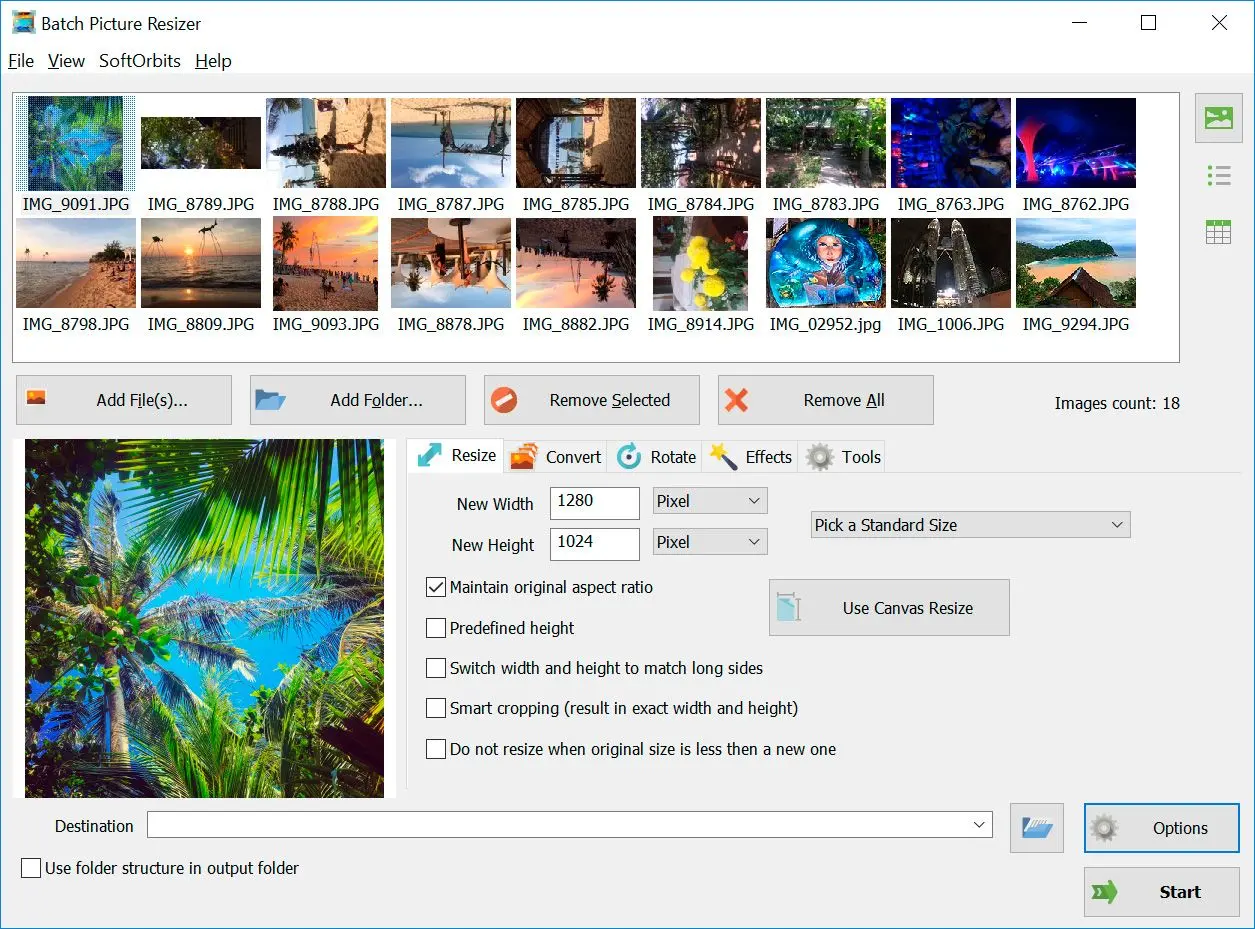
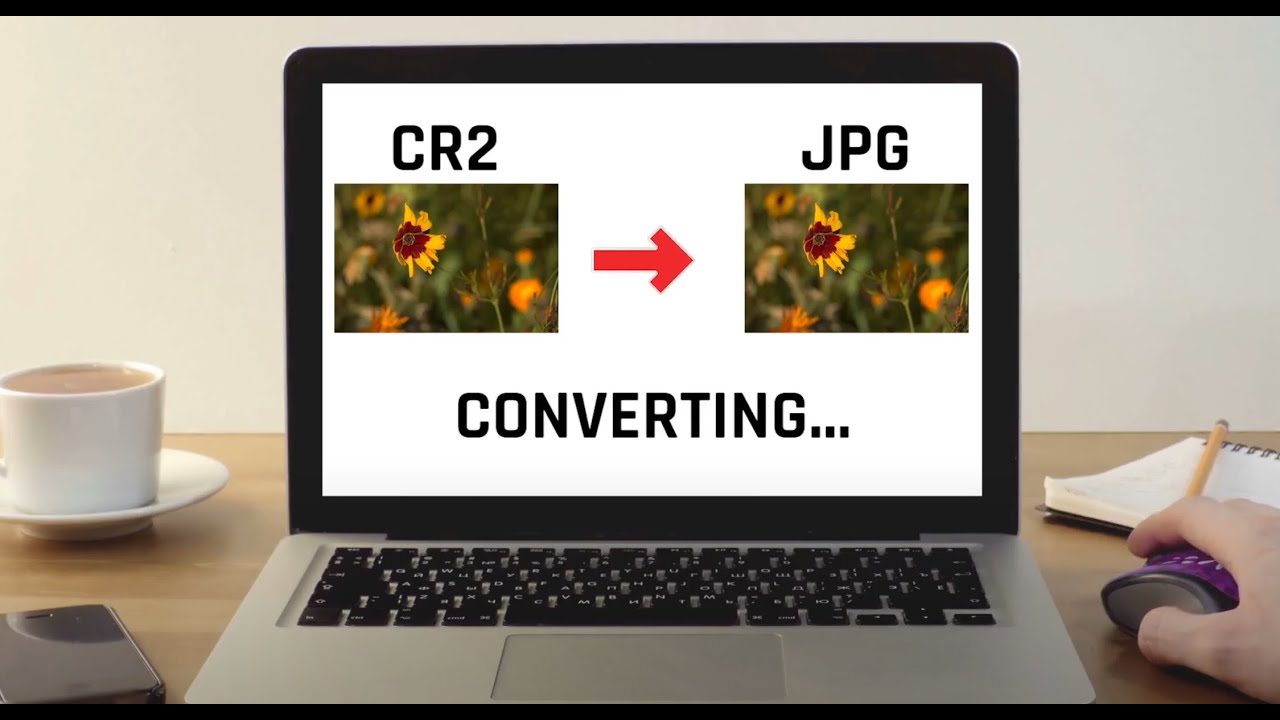
To batch convert CR3 to JPG, load a whole folder instead of single files, set JPG once, and run the job in one pass. A desktop converter processes the entire shoot using all CPU cores, so 500 files take one queue, not 500 clicks.
Browser converters often take one file at a time on the free tier. A full card of 24-megapixel CRAW files means a lot of uploading, especially for a 600-shot wedding where every CR3 needs to be a client-ready JPG by Monday.
A desktop batch tool processes the whole queue in one go. Point Batch Picture Resizer at the folder, set JPG, and it runs the shoot at once, with no per-file dialog and no waiting behind an upload. It is a full RAW to JPG converter software for Nikon NEF and Sony ARW files as well as Canon files. You can resize during the same pass by setting a pixel size or a target file size in KB, which avoids a second run when the JPGs are headed for a web gallery.
What is a CR3 file, and which Canon cameras use it?
CR3 is Canon's RAW image format introduced with the DIGIC 8 processor. It stores unprocessed sensor data and uses an ISO Base Media File Format container with Canon's "crx" codec, which is why older software that only knew CR2 cannot read it.
CR3 arrived on the EOS M50 in 2018 and is now standard on Canon mirrorless bodies like the EOS R5, R6, R8, and R50, plus many PowerShot models. Canon also offers a smaller "C-RAW" variant inside the same CR3 wrapper to cut file size, so a single shoot can mix full CR3 and C-RAW files. If you moved from a CR2-era DSLR to an EOS R body, the container swap is why your old CR3 to JPG Converter Software may reject the files.
The Wikipedia raw image format page documents the container change. Software that is not updated for the crx codec reports the file as unsupported or damaged. Use an updated CR3 to JPG Converter that already supports CR3.
CR3 vs JPG: which should you keep?
Keep CR3 when you still plan to edit, because it holds far more color and dynamic range for recovery. Convert to JPG when you need to share or send files that open anywhere. Many photographers archive the CR3 and hand out JPGs.
A CR3 file carries 14-bit sensor data with room to adjust exposure and white balance later. A JPG is 8-bit and lossy. The CR3 to JPG Converter download applies your settings and discards data to shrink the file. Keep the RAW originals and batch out JPGs for files that leave your drive.
| Feature | CR3 | JPG |
|---|---|---|
| Data | 14-bit RAW sensor data | 8-bit, lossy compression |
| File size | Larger (20-90 MB) | Smaller (2-8 MB) |
| Editing room | Wide; recover highlights and redo white balance | Narrow; settings are baked in |
| Opens anywhere | Needs RAW support / a converter | Yes, on almost any device |
| Best for | Editing and archiving | Sharing, print, email |
Does converting CR3 to JPG keep your EXIF data?
Yes. A good CR3 to JPG converter app copies the EXIF metadata into the JPG by default - camera model, lens, exposure settings, the capture date, GPS location if it was recorded. You usually get an option to strip metadata on purpose, for example before posting photos publicly.
SoftOrbits CR3 to JPG converter download carries EXIF metadata over and reads the orientation flag, so portrait shots come out upright instead of sideways. If you are sharing images and would rather not publish your location, strip GPS or all metadata during export. The same applies to the CR2 generation if you are still shooting an older body; the CR2 to JPG converter path handles those the same way.
Why does the converted JPG look flat or washed out?
A flat JPG usually means the RAW was converted without the camera's color profile or white balance. RAW looks neutral by design; the in-camera preview applies a picture style. Set white balance and a bit of contrast before export, or use a converter that applies sensible defaults.
The camera shows a processed JPG preview on its screen even when it saves a RAW file, so the CR3 can look more contrasty on the back of the camera than the RAW data. A converter that sends raw values straight to JPG without adjustments can produce a dull or slightly different result. Set white balance and basic contrast during conversion, and avoid converters that ignore the embedded profile. For a batch, lock in one white balance and apply it across the shoot.
 Batch Picture Resizer